

MICROSOFT TEAMS MEETING ROOM SOLUTIONS
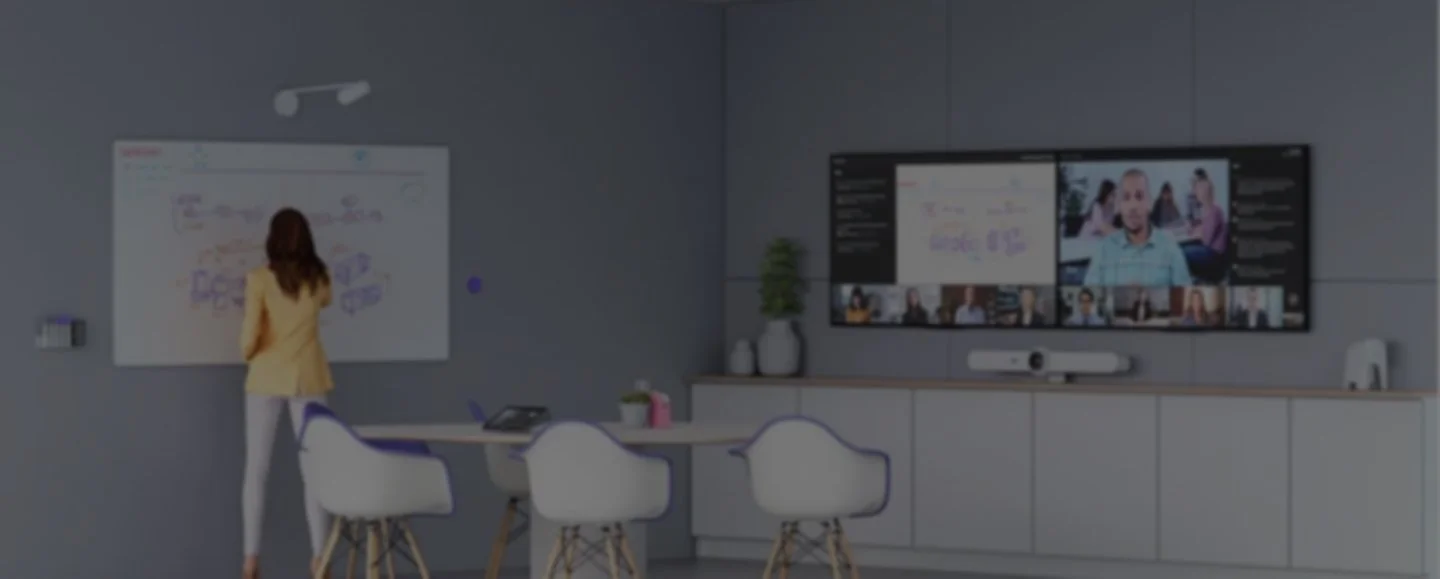
Bridge the gap between remote and office workers with Microsoft Teams meeting room solutions that let everyone be seen, heard, and fully participate from anywhere.
Provision specialises in Microsoft Teams meeting room installation for corporate offices, education facilities, retail spaces, and healthcare environments across New Zealand—and we’re here to support you in the long term, not just the installation.
SOLUTIONS FOR EVERY SPACE
From personal offices to boardrooms, Provision and Microsoft Teams help people work wherever and however they want by delivering a better hybrid meeting experience. Our flexible solutions let you choose between Teams Rooms setup on Windows or Android, and switch as your needs evolve. Learn more about our joint solutions below.




Connect people across the hybrid workplace

Inclusive
Foster inclusive and interactive team meetings for everyone, regardless of where they are.

Deliver consistent Teams experiences designed to make collaboration easy and hassle-free.
Easy to use for all

Flexible
Turn any shared space into a Teams Room with wide selection of devices, features to fit every need.

Secured and managed
Keep devices protected and up to date with rich management capabilities and powerful analytics.
GREEN MEANS GO
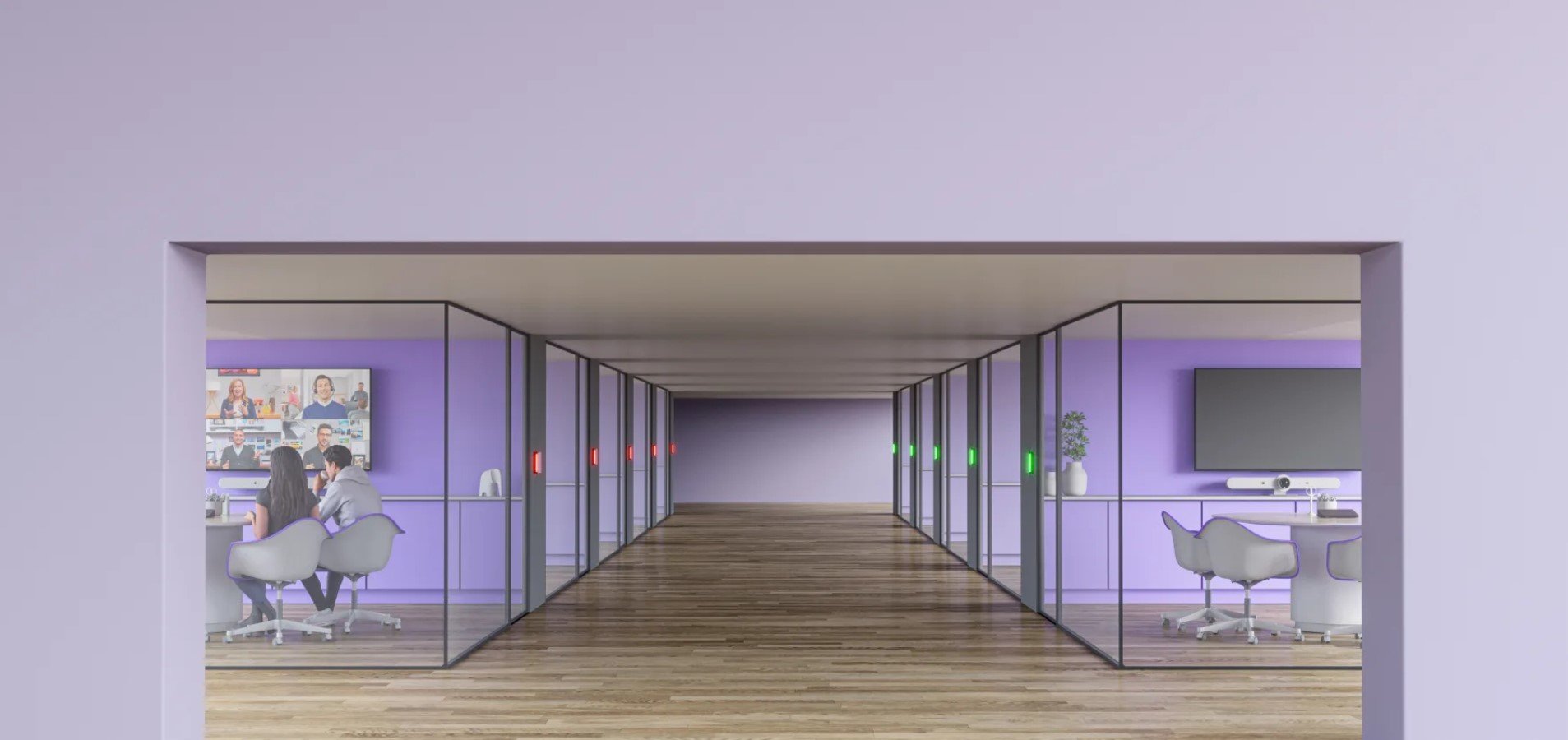
Quickly find an open room with coloured LED lights that indicate availability at a distance.
WHY CHOOSE PROVISION’S TEAMS ROOM SETUP?
Most AV companies either rent equipment or install it. Provision does both—and we stay involved well beyond the initial Teams room setup.
Here for the Long Term: We don’t complete a Microsoft Teams room installation and disappear. Our team remains available for ongoing maintenance, proactive support, and fast on-site response to keep your meeting rooms working.
Clean Installation: Flexible cabling lets you position the Tap controller near participants for convenient operation while installing the host computer in a cabinet, beneath a table, or behind a display.
Rental & Installation Covered: Most companies specialise in AV rental or installation; we do both—installing equipment permanently or renting it on flexible terms.
Training Included: Every Teams room setup comes with a staff handover session. Your team will be confident using the room from day one, and we’re always available if questions come up later.

MORE SOLUTIONS
Enable easy, effective meetings for both in-office and at-home workers through Provision's portfolio of room solutions that integrate with leading video conferencing services—including Logitech video conferencing solutions—to raise the bar on collaboration.




CONTACT PROVISION TO DISCUSS YOUR SOLUTION
Ready to get your Microsoft Teams meeting room solution sorted? Get in touch with the provision team to discuss your space and requirements—we’ll recommend the right setup and be with you every step of the way.
Looking for a more flexible conference room hire in Auckland? We also offer audio-visual rental services and projector hire in Auckland for temporary or event-based needs.
Frequently Asked Questions
-
A dedicated Teams Room removes the friction of laptop-based meeting setups—no cables to plug in, no login prompts, no wasted time before a call. Anyone can walk in, tap a button, and be in their meeting instantly.
Beyond convenience, Microsoft Teams room installation delivers consistent audio and video quality across every meeting, keeps remote participants genuinely engaged, and integrates directly with your Microsoft 365 calendar so rooms can be booked and managed without extra steps.
-
The core components of a Microsoft Teams room are a display or screen, a certified camera, microphones, speakers, and a computer device. For larger rooms, you may need additional microphones, a touch controller for easy meeting management, and a room scheduling panel outside the door. Our team handles the full hardware recommendation based on your space, so you’re not left guessing what you need.
-
Teams Rooms work well in virtually any space, whether that’s a two-person huddle room or a larger boardroom, lecture theatre, or training suite. The key is matching the right hardware to your space.
Smaller spaces suit compact all-in-one devices, while larger rooms benefit from modular setups with wider-angle cameras and additional microphone coverage. We assess rooms individually before recommending a configuration, ensuring your Teams room setup is built specifically for your space.